
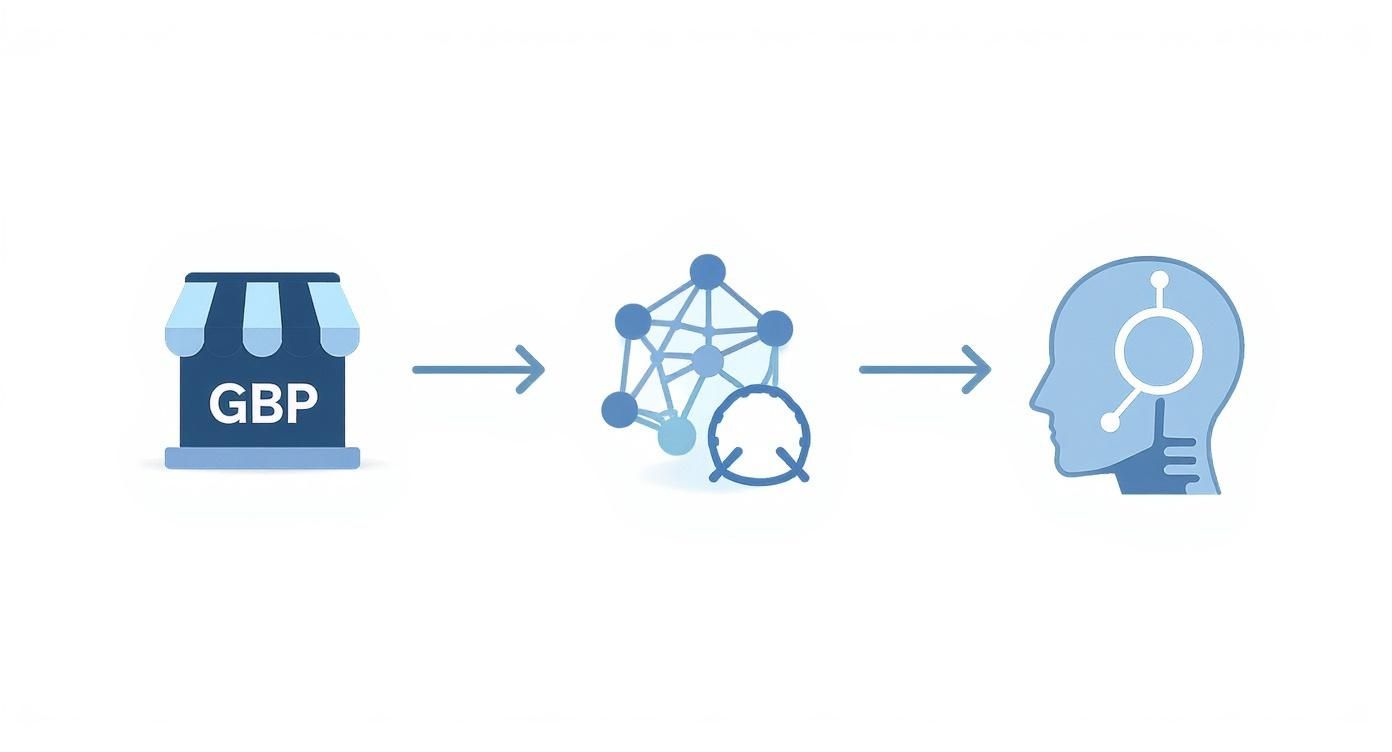
Optimizing your Google Business Profile (GBP) for AI search isn't just about ranking in the map pack anymore. Your GBP is now a core data source for AI assistants like Google Assistant, Siri, and even ChatGPT, which use this info to recommend local businesses. If your profile isn’t tuned for them, you're invisible to a whole new wave of customers.
Local SEO has changed. It's no longer just a simple map listing. Think of your GBP as the official resume you submit to artificial intelligence. For businesses in Monterey County, this shift is critical. An AI assistant helping a homeowner find a "roofer in Santa Cruz" isn't just scanning keywords; it's looking for verified, trusted data to give the best recommendation. If your profile is incomplete, the AI won't have enough data to suggest you. The new reality is that we must convince AI, not just customers we’re the right choice.
Step 1: Claim and Verify Your Profile (The Non-Negotiable First Step)
This might seem obvious, but you’d be surprised how many businesses miss it. Claiming and verifying your Google Business Profile is the first handshake with AI. It proves you're a real, trusted business ready to be recommended.
Here’s a quick rundown of the process:
- Find or Create Your Profile: Go to google.com/business and search for your business name. If it exists, claim it. If not, create a new one.
- Verify Your Location: Google will send a postcard with a verification code to your physical address. This step is crucial, as it confirms you are a legitimate local business in a place like Salinas or Hollister.
- Confirm Ownership: Once you enter the code, you have full control. AI systems prioritize verified sources, so this simple step puts you ahead of unverified competitors.
Without a verified profile, AI search engines have no reason to trust your data.
Step 2: Fill Out Every Single Field—Completely and Accurately
An incomplete profile tells AI you’re not serious. Fill out every section with precise, consistent information. This includes maintaining NAP (Name, Address, Phone) consistency across your website and other online directories. Any mismatch creates doubt.
Focus on these essential fields to build a profile AI trusts:
- Business Name: Use your exact business name. Don't stuff keywords like "Gilroy's Best Plumber"—Google penalizes this now.
- Categories: Be specific. Your primary category might be "Plumber," but add secondary ones like "Emergency Plumbing Service" and "Water Heater Installation."
- Service Areas: Clearly define your service radius. If you're based in Monterey County, list out specific cities you serve, such as Salinas, Carmel-by-the-Sea, and Pacific Grove.
- Services: Don't just list your services; add detailed descriptions for each one. Explain what the service includes and why a customer should choose you.
These details provide the structured data AI needs. It's the same principle behind using Schema Markup for Contractors on your website to give AI clear context.
Step 3: Upload High-Quality, Location-Tagged Photos
AI doesn’t just read text; it sees. High-quality images visually confirm your services, location, and professionalism. Every photo you upload is another piece of evidence that tells AI you are a legitimate, active business.
- Location-Tag Your Images: Before uploading, rename your files with descriptive keywords. Instead of
IMG_1234.jpg, useroofing-repair-santa-cruz.jpg. This gives AI immediate context. - Showcase Real Work: Post photos of your team on job sites in the area, before-and-after shots of your work, and your branded service truck parked in a local neighborhood.
- Add Videos: Short clips are powerful. Show a quick testimonial or a time-lapse of a project. We have a guide on how contractors can win leads with short videos that can help.

Step 4: Post Weekly Google Updates to Stay Active
Google Business Profile Posts are a direct line of communication to Google's AI. Posting weekly signals that your business is active and engaged. Think of each post as a mini-lesson that trains AI on what you do and where you do it.
Here are a few weekly post ideas:
- Job Highlight: "Just finished installing a new water heater for a happy customer in Pacific Grove!"
- Customer Testimonial: Share a screenshot of a great review (with the customer's permission).
- Answer an FAQ: "How long does a typical roof replacement take in our coastal climate? Here's the breakdown."
According to recent local SEO statistics, consistent activity and photos can significantly boost customer actions. An active profile is one of your best tools for teaching AI why you’re the right choice.
Step 5: Encourage and Respond to All Reviews
Reviews are a massive trust signal for AI. They provide social proof and offer insight into your customer service. AI models analyze the language in reviews to understand your reputation and relevance.
- Ask for Reviews: After every completed job, send the customer a simple text or email with a direct link to leave a review.
- Reply to Every Review: Always respond, even to short 5-star reviews. It shows both customers and AI that you are engaged.
- Add Context to Replies: When you can, mention the service and location in your response. For example: "Thanks, Sarah! We're so glad we could help with your AC repair in Salinas. Enjoy the cool air!"
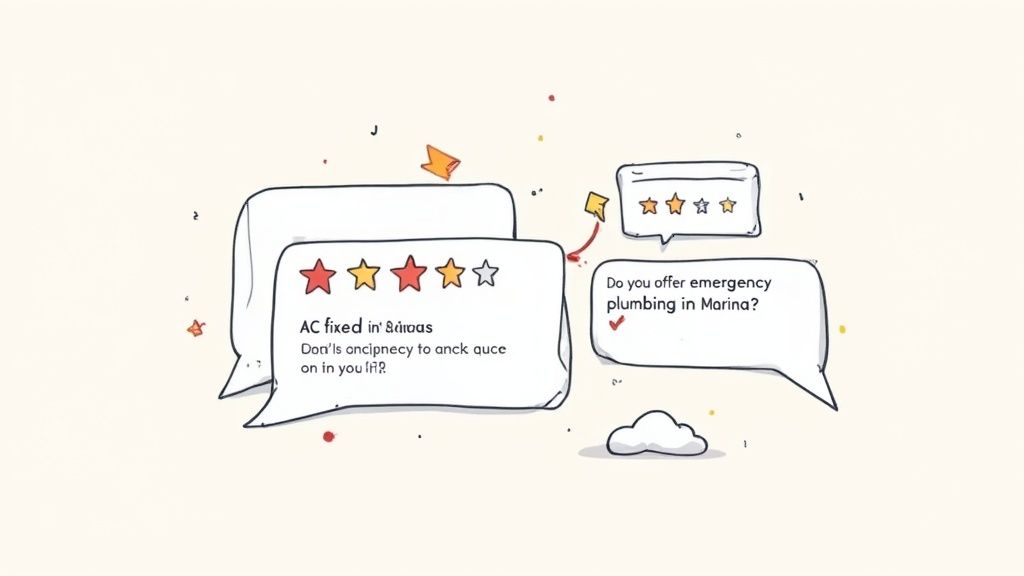
This simple practice reinforces the connection between your business, your services, and the specific locations you serve in the AI's "mind."
Step 6: Use the Q&A Section for Voice Search
The Q&A feature is a goldmine for capturing voice search queries. Proactively add questions and answers that your customers frequently ask. This provides AI assistants with ready-made, accurate answers to give to users.
Seed your Q&A with questions like:
- "Do you offer emergency plumbing in Marina?"
- "How soon can I book a roof inspection in Hollister?"
- "Are your services available in Santa Cruz County?"
By analyzing customer feedback, you can identify common questions and turn them into valuable, AI-friendly content on your profile.
Step 7: Monitor and Update Your Listing Monthly
AI trusts current information. An outdated profile signals neglect. Set a monthly calendar reminder to perform a quick health check of your GBP.
Your monthly check should include:
- Holiday Hours: Update your hours for any upcoming holidays.
- New Services: Add any new offerings with detailed descriptions.
- Fresh Photos: Upload a few new photos from recent jobs.
- Updated Certifications: Add any new licenses or certifications to build credibility.
A few minutes of maintenance each month ensures your profile remains a trusted and reliable source for AI-driven recommendations.
Step 8: Connect Your GBP to Your Website Content
Your Google Business Profile should not exist in a vacuum. It becomes exponentially more powerful when connected to your website's content. Linking from your GBP posts or Q&A answers to relevant blog posts on your site creates a web of expertise that AI can easily follow.
For example, if you write a post about a recent kitchen remodel in Salinas, link back to the detailed project portfolio on your website. If someone asks a question about how AI is changing SEO for contractors, you can answer and provide a link to a helpful article, like this one on how to use AI for SEO.
This strategy proves you are a true subject matter expert, giving both users and AI a clear path from your profile to your digital doorstep.
By Phil Fisk, CEO, Core6 Marketing
Phil Fisk is the founder and CEO of Core6 Marketing, a digital marketing agency based in Salinas, CA. With over a decade of experience, Phil helps Monterey Bay Area businesses increase their digital visibility and generate measurable leads. Core6 Marketing specializes in local SEO and content strategies that deliver real-world results.
Core6 Marketing
1628 N. Main St #263, Salinas, CA 93906
831-789-9320
[email protected]
https://core6.marketing/