Is your website just a digital brochure, or does it bring in real business? Knowing how to improve website conversion rate is the key. It means turning more of your website visitors into actual customers who call you or fill out your contact form.
Why Your Conversion Rate Matters More Than Traffic
If you're a business owner in Salinas or anywhere in Monterey County, you already spend money to get people to your website. But what happens once they're there? Getting clicks is only half the job. The real win is turning those visitors into paying customers.
This process is called Conversion Rate Optimization, or CRO for short. It's all about making small changes to your website to get a higher percentage of visitors to take action. Even a small improvement can make a big difference for your business.
Think of it this way. If your Santa Cruz County business gets 1,000 visitors a month and has a 2% conversion rate, that's 20 new leads. But if you improve that rate to just 3%, you get 30 leads. That's a 50% increase in business without spending more on ads.
Understanding the Basics of CRO
Your website is like your online storefront. You want it to be welcoming, easy to navigate, and clear about what you do. For a general overview, there are many guides on how to increase online sales, but this one is focused on what works for local businesses right here in the Monterey Bay Area.
CRO isn't a one-time fix. It’s a cycle of learning and improving.
This chart shows the simple, powerful process of CRO in three main steps.
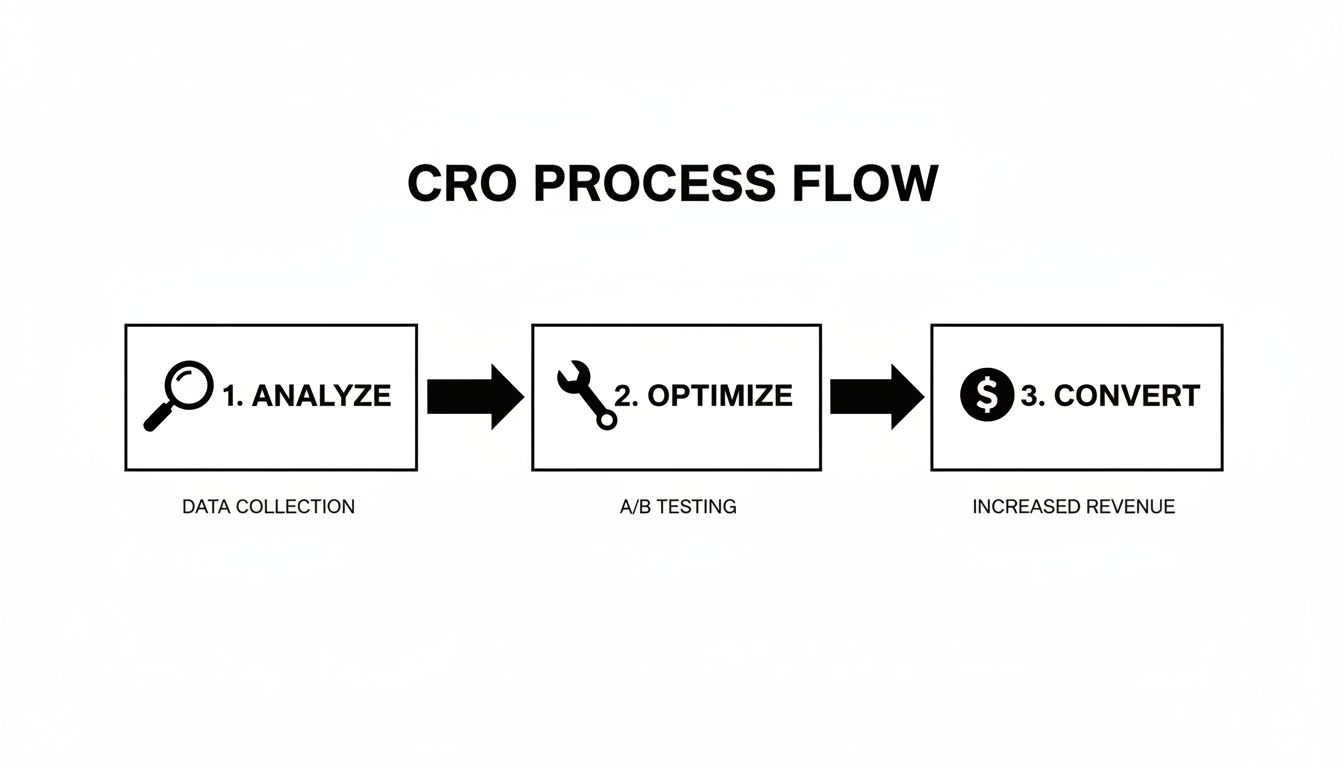
As you can see, good CRO is an ongoing loop of analyzing, optimizing, and measuring.
In this guide, we'll walk you through the key parts of a website that gets results. We’ll give you simple steps you can take today. To learn more about website essentials, check out our post on what a good contractor website should have.
This isn't just about changing button colors. It's about understanding your customer's journey—from their first click on your site to the moment they decide you're the right choice. Every part of your website should guide them to that decision.
Here’s a quick look at what this guide covers.
| Pillar | What It Means for Your Business | Key Focus Area |
|---|---|---|
| Conversion Audit | Finding where your website is losing potential customers. | User behavior, technical issues. |
| Landing Pages & Mobile | Making a great first impression, especially for people on their phones. | Clear message, mobile-friendly design. |
| Forms & Booking | Making it super easy for people to contact you. | Simplicity, less friction. |
| Trust & Credibility | Proving you're a reliable local expert in the Monterey Bay. | Reviews, licenses, local proof. |
By focusing on these areas, you can turn your website from an expense into your best salesperson. Let's get started.
Running a Conversion Audit on Your Website
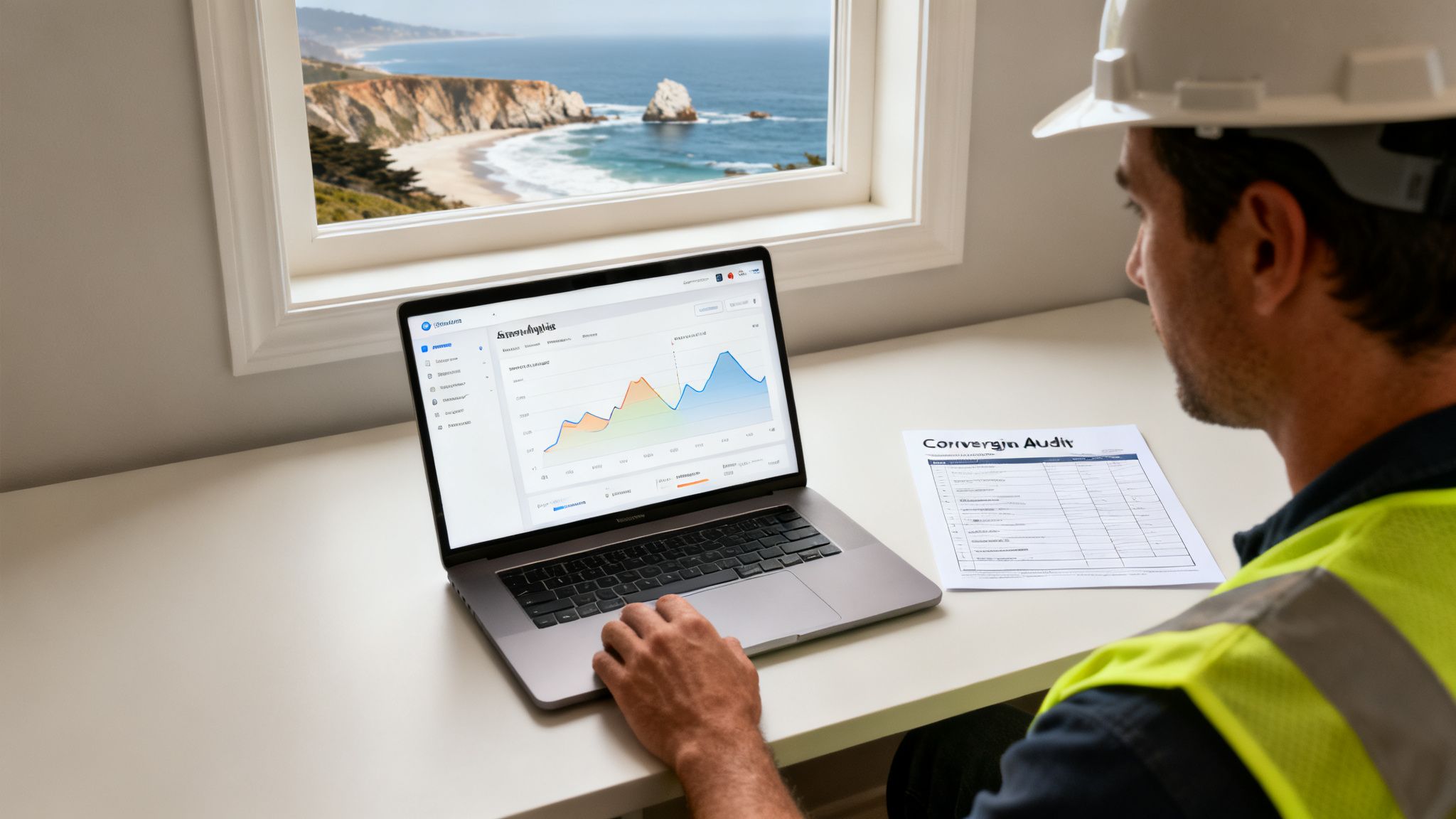
Before you can fix the problems on your website, you have to find them. A conversion audit is like a check-up for your site. It’s the first step in learning how to improve website conversion rate because it shows you exactly where customers from Gilroy to Pacific Grove are getting stuck.
This isn't about guessing. It's about using data to make smart choices that get your phone to ring more. When you know what to fix, you can focus your effort where it counts for your business in San Benito County.
Starting with Your Website Data
A great place to start is Google Analytics. This free tool has a lot of information about who visits your site and what they do. Don't worry about all the charts; we'll focus on a few key things.
First, find your most popular pages. These are usually your homepage, your main service pages (like "Plumbing Repair" or "Roofing"), and your "About Us" page. These pages get the most traffic, so they offer the biggest opportunity for improvement.
Next, look at the Bounce Rate for these pages. This number tells you how many people land on a page and leave without clicking anything else. A high bounce rate (over 60%) is a big red flag. It means the page isn't connecting with visitors or it's hard to use.
Key Takeaway: A high bounce rate is like a customer walking into your store, looking around for a second, and immediately leaving. The audit helps you figure out why they left.
Finally, look at the user flow. Where do people go after your homepage? Do they click on a service page, or do they just leave? Understanding this path helps you find roadblocks on their journey.
Checking Your Site's Technical Health
Your website needs to work well to provide a good experience. If your site is slow, looks broken on a phone, or is hard to navigate, you’re losing customers. Your audit must include a technical check-up.
- Page Speed: How fast does your site load? Studies show that if a page takes more than three seconds to load, over half the visitors will leave. Use a free tool like Google's PageSpeed Insights to check your speed.
- Mobile-Friendly Design: Pull up your website on your phone right now. Can you read everything easily? Are the buttons big enough to tap? Most local searches happen on phones, so a bad mobile site will cost you leads.
- Broken Links: Click through the main links on your website. Do they all work? A broken link is like a locked door—it stops a customer from moving forward.
A good audit also looks at your advertising. For example, understanding how to handle fixing underperforming ad campaigns is important. You don't want to pay for clicks that land on a page that doesn't work.
Creating Your Audit Checklist
To make this easier, use a simple checklist. This will help you track what you find and decide what to fix first. Our guide on a home services website SEO audit has more tips you can use.
Here are the basics for your checklist:
- First Impression (The 5-Second Test): Can a new visitor understand what you do and where you work in five seconds?
- Call-to-Action (CTA): Are your "Request a Quote" or "Call Now" buttons easy to find and clear?
- Contact Form: How many questions does your form ask? More than four can make people give up.
- Trust Signals: Are your license number, reviews, and local awards easy to see? These build instant trust.
- Message Match: Does the promise in your ad match what the visitor sees on the page they land on?
By going through this audit, you'll know exactly what to fix. This smart approach is the secret to turning more visitors into customers.
Optimizing Your Landing Pages and Mobile Experience
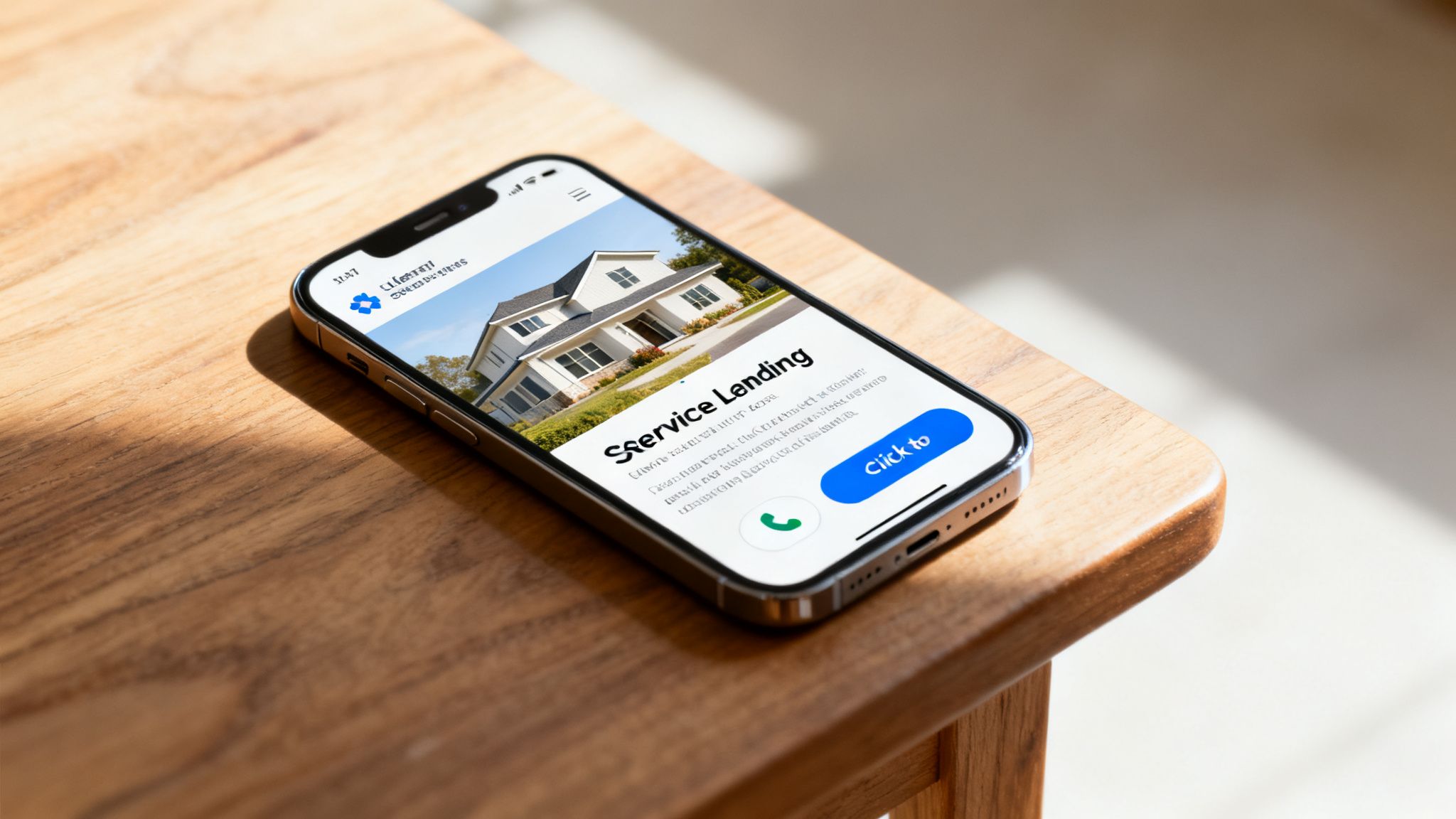
Let's be direct. For businesses in the Monterey Bay Area, your customers are on their phones. Whether someone in Watsonville needs an electrician or a homeowner in Carmel-by-the-Sea needs a plumber, they are searching on their mobile device.
This means your mobile site and landing pages are your most important sales tools.
A landing page is any page a visitor lands on after clicking an ad or search result. It has one job: to get them to take action. Getting this right is a huge part of learning how to improve website conversion rate.
First Impressions Matter: The Five-Second Rule
When a homeowner with a problem lands on your page, you have about five seconds to show them they’re in the right place. If they have to search for your phone number or the page is slow, they're gone.
Your landing page must quickly answer three questions:
- What do you do? (e.g., 24/7 Emergency Plumbing)
- Where do you do it? (e.g., Serving All of Monterey County)
- Why should I pick you? (e.g., Licensed, 5-Star Rated, Local)
This information must be visible without scrolling. The best way to do this is with a strong headline. Instead of a boring title like "Plumbing Services," try something direct, like "Fast & Reliable Emergency Plumber in Monterey."
For more ideas, check out our guide on the best practices for landing page design.
Your landing page headline is the most important sentence on your website. It must promise a solution to your visitor's problem.
Designing for Thumbs: Mobile-First Websites
"Mobile-first" means designing your website for a phone screen before a desktop screen. This is a must-do for any local business. The data is clear: most of your website traffic comes from mobile phones.
Here's a key fact: pages that take longer than three seconds to load lose 53% of mobile visitors right away.
Your site must be easy to use with one hand on a small screen.
Tips for a Mobile-Friendly Site:
- Big, Tappable Buttons: Make your "Click to Call" button large and easy to tap with a thumb.
- Simple Menus: Use a "hamburger" menu (the three lines) to keep your navigation clean and simple.
- Easy-to-Read Text: Use a clear font that is large enough to read without zooming in.
- Optimized Images: Photos of your work build trust, but large image files slow down your site. Make sure they are compressed for speed.
Structuring Your Service Pages for Action
Your individual service pages—like "Roof Repair" or "Kitchen Remodeling"—are your most important landing pages. Each one needs to be a mini sales pitch that solves a customer's problem.
Start with a clear headline that names the service and location, like "Expert Roof Repair for Homes in Monterey." Right below it, add a short paragraph that shows you understand their problem.
Use real photos of your team and your work, not stock photos. A picture of your crew working in the local area builds more trust.
Break the page into easy-to-read sections:
- Our Process: Briefly explain the steps you take.
- Why Choose Us: Use a bulleted list to highlight your key points (licensed, local, years of experience).
- Testimonials: Include 1-2 great reviews from local customers.
- Clear Call-to-Action (CTA): End with a big, obvious CTA like "Get Your Free Estimate Today," linked to a simple form or your phone number.
By focusing on a clear message and a great mobile experience, you make it easy for potential customers to contact you. This turns more visitors into leads.
Making Forms and Booking Easy for More Leads
Nothing turns off a potential customer faster than a long, confusing contact form. A customer in Hollister with a leaky roof won't fill out ten different fields—they just want help now. Simplifying your forms is one of the quickest ways to get more leads.
Your form is the finish line. It's where a visitor becomes a lead. Every extra question is another reason for them to give up and call someone else. The goal is to make it effortless for them to send you their information, whether they're in San Benito County or Seaside.
The Power of a Simple Form
Your contact form should be a quick conversation starter. You only need the basics to get started. Ask yourself: what do I absolutely need to know to contact this person and understand their problem?
For most businesses, it's just a few things:
- Name: So you know who you're talking to.
- Phone Number: The best way to connect quickly.
- Email Address: For sending quotes and follow-ups.
- Brief Message: Lets them tell you what they need ("My water heater is out," etc.).
That's it. You can get other details, like their address, during the first phone call. Your form's only job is to get you a lead.
Tips for Better Forms, Backed by Data
Making your forms simple isn't just a guess; data proves it works. For example, websites that reduced their form fields from five to three saw conversions increase by 25%. When your jobs are worth hundreds or thousands of dollars, that adds up.
Building trust is also key. Adding trust signals like customer reviews near your form can reduce the number of people who give up by 15-20%.
The easier you make it for someone to contact you, the more contacts you will get. Treat every extra form field as a barrier for your customer.
This is especially true for emergency services. A homeowner in Marina with a burst pipe is looking for a big "Call Now" button or a form that takes 30 seconds to fill out. Your form should match the customer's sense of urgency.
Optimizing Every Part of Your Form
Besides the number of questions, other small details can help you get more leads.
1. Your Submit Button
Don't use a boring button that says "Submit." Use words that tell the user what happens next. This sets clear expectations and makes the action feel more valuable.
- Instead of "Submit" → Try "Get My Free Estimate"
- Instead of "Send" → Try "Request My Service Call"
- Instead of "Go" → Try "Schedule My Appointment"
2. Make it Mobile-Friendly
Your form must be easy to use on a phone. That means large fields that are easy to tap and a design that doesn't require zooming.
3. Reassure Your Visitors
Add a short sentence below the form to build confidence. Something simple like, "We respect your privacy," or "We'll get back to you within the hour," can make a big difference. It tells users their information is safe and their request is important.
Understanding how phone calls fit into this is also key. You can learn more about the value of tracking your inbound calls in our guide. By removing every obstacle, you create a smooth path from website visitor to new customer.
Building Local Trust and Credibility
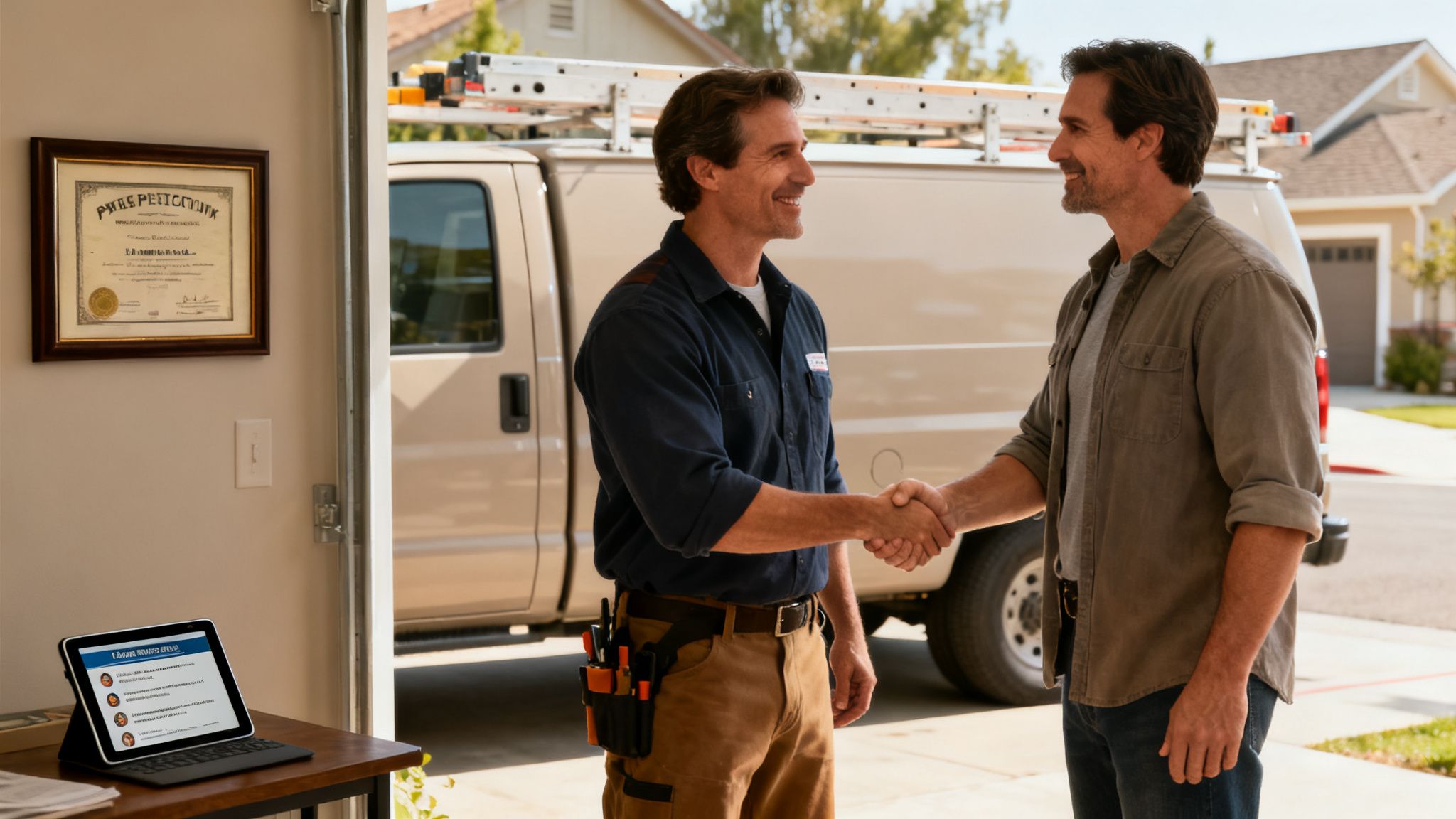
In the home services world, trust is everything. A homeowner in Santa Cruz County isn’t just buying a service; they are deciding who to let into their home. This is why building trust on your website is a critical part of how to improve website conversion rate.
Before anyone calls you, they look for proof that you are a legitimate, skilled, and reliable local business. If they can't find that proof quickly, they will click away to a competitor.
Think of your website as a digital handshake. It must instantly show visitors they've found the right expert for the job, right here in their community.
Make Your Credentials Easy to Find
Show visitors you're a professional by putting your credentials front and center. Don't hide this information on an "About Us" page. Your licenses and insurance are powerful trust signals that should be in your website's header, footer, or on every service page.
Imagine you're a homeowner in Salinas. You want to see proof that a contractor is qualified and insured before you call them.
- Your Contractor's License Number: This is the most important piece of proof you have. Make it easy to find.
- "Licensed, Bonded & Insured": This phrase is a promise of professionalism and protection. It helps customers feel safe.
- Local Memberships: Are you part of the Monterey Peninsula Chamber of Commerce or another local group? Put their logos on your site. It shows you're a committed member of the local business community.
Did You Know? The Monterey Bay Area's economy isn't just about tourism. It's a global hub for agricultural technology (AgTech), blending our farming roots with Silicon Valley innovation. This spirit of local expertise and trust is what customers look for in every business, from tech firms to home services.
The Power of Real Local Proof
Nothing sells a local service better than showing you've done great work for your neighbors. Generic stock photos are a waste of time. People want to see real proof of your skills in towns they recognize across Monterey County.
Let your happy customers do the selling for you. Real social proof is one of the most powerful conversion tools you have.
This checklist shows the essential trust signals your website needs. Adding these to your site will make potential customers feel more confident and more likely to contact a local company like yours. Many business owners looking for a great "SEO agency in Salinas" know that these local trust signals are key to connecting with the community.
Essential Trust Signals for Local Websites
A checklist of items that build visitor confidence and increase conversion rates.
| Trust Signal | Why It Works | Where to Place It |
|---|---|---|
| License Number | Provides proof that you are a professional. | Header, Footer, "About Us" page. |
| "Licensed & Insured" | Reduces customer worry by showing you're covered. | Prominently in the header or near your contact info. |
| Real Job Photos | Shows proof of your work quality in local areas. | Photo galleries, service pages, blog posts. |
| Customer Reviews | Offers unbiased proof from real local customers. | Homepage, dedicated reviews page, service pages. |
| Local Group Logos | Shows you are involved in the local community. | Footer, "About Us" page. |
| Team Photos | Humanizes your business and shows the real people behind the work. | "About Us" page, homepage. |
| Years in Business | Shows experience, stability, and a long-term local presence. | Header, "About Us" page. |
By adding these elements to your site, you create a trustworthy online presence. You're no longer just another company online; you’re a proven, professional local business ready to help.
Showcasing Your Best Work
Create a gallery of high-quality before-and-after photos from your jobs. Add a short caption that mentions the city, like "New roof installation in Hollister" or "HVAC system replacement in Pacific Grove." This visual proof is much more powerful than just words.
Embedding Your Best Reviews
Your Google Business Profile reviews are gold. Instead of copying and pasting the text, use a tool to embed your live Google reviews right on your site. A live feed of recent 5-star ratings provides powerful, up-to-date proof of your great reputation. To learn more, read about why customer reviews matter more than ever.
Common Questions About Website Conversions
After learning about these strategies, many business owners still have a few questions. It's one thing to know the tactics, but it's another to apply them to your own business.
Let's answer some of the most common questions we hear. This will help you set realistic goals for turning more of your website visitors into customers.
What Is a Good Conversion Rate for a Local Business?
This is a common question for business owners in places like Hollister and greater San Benito County. The honest answer is that there's no single magic number. You might see an average for online stores around 2.9%, but home services is a totally different field.
A good conversion rate depends on your industry, the price of your service, and even the time of year.
For a local contractor or service provider, a "good" conversion rate could be anywhere from 3% to 8%. A business offering emergency services will see higher rates because customers need help fast. A high-end remodeler will have lower rates because the decision to buy takes much longer.
Key Insight: Don't worry about a generic industry number. Focus on improving your own rate. If you're at 2% today, your goal should be to get to 3%. That 50% increase in leads is what really matters.
How Long Does It Take to See Results?
Improving your conversion rate is a long-term investment, not a quick fix.
You might see some fast results from simple changes, like making your phone number bigger or simplifying your contact form. These "quick wins" can show results in a week or two. But the biggest improvements take time.
Here’s a realistic timeline:
- Audit & Quick Fixes (Weeks 1-4): You can often see a small, immediate improvement by fixing the most obvious problems.
- Testing & Changes (Months 1-3): To know for sure what works, you need to test things like headlines or page layouts. It usually takes a few months to gather enough data to see a clear winner.
- Ongoing Improvement (Forever): CRO is never "done." The most successful businesses are always testing, learning, and improving their websites.
Paid Ads vs. Website CRO: Which Is More Important?
You don't have to choose one or the other. They work together.
Think of it like this: paid ads are the faucet that brings visitors to your website. CRO is like fixing the leaky pipes so you don't waste any of that water.
You need both. Spending money on ads to bring people to a website that doesn't work well is a waste. But having a perfect website with no visitors is just as useless. Smart "digital marketing for Santa Cruz retailers" and service providers involves both.
The best strategy is to run your ad campaigns while you are also working to improve your website's conversion rate. This ensures you get the best possible return on your advertising dollars. You can dig into more of these crucial e-commerce conversion benchmarks on SpeedCommerce.com.
When you balance both paid ads and CRO, you build a system that not only attracts customers but is great at turning them into booked jobs.
Ready to stop guessing and start getting more leads? The team at Core6 Marketing builds websites that turn clicks into customers for businesses across the Monterey Bay.
Schedule your free, no-obligation strategy session today. Visit us at https://core6.marketing or call us at 831-789-9320.
By Phil Fisk, CEO, Core6 Marketing
Phil Fisk is a seasoned marketing expert dedicated to helping home service contractors in the Monterey Bay Area thrive. As the CEO of Core6 Marketing, he focuses on practical, data-driven strategies that deliver measurable ROI and empower local businesses to dominate their digital market.
Core6 Marketing
1628 N. Main St #263, Salinas, CA 93906
831-789-9320
[email protected]
https://core6.marketing/